
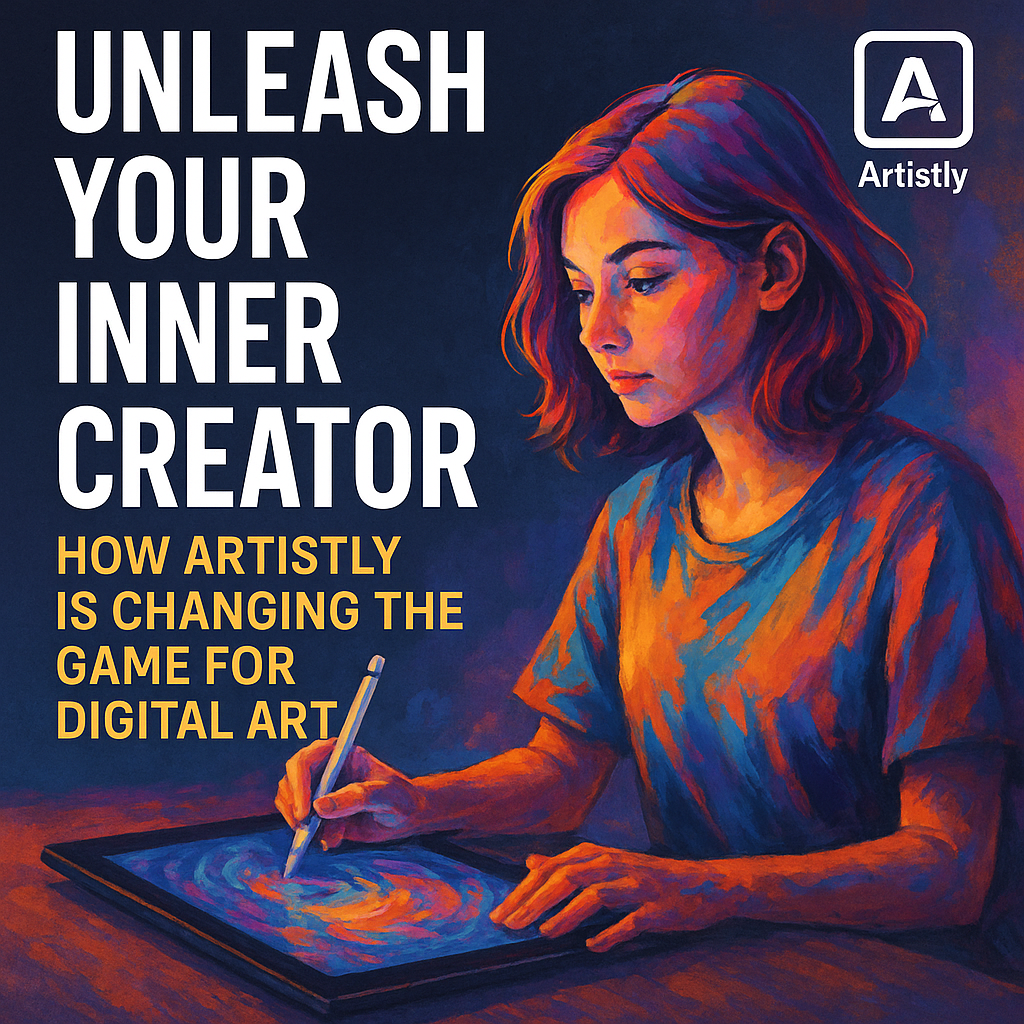

In today’s digital age, creating stunning art or graphics has never been easier, thanks to platforms like Artistly. This innovative design tool leverages artificial intelligence to help users, regardless of their skill level, produce eye-catching visual content effortlessly.
Artistly is an intuitive design tool that harnesses AI to simplify graphic creation. It caters to both beginners and seasoned artists, making it an ideal choice for anyone looking to enhance their creative projects.
Features That Stand Out
Artistly offers a range of features designed to cater to various artistic needs. Here’s a breakdown of what this platform brings to the table:
User-Friendly Interface
- Drag-and-Drop Functionality: Simplifies the design process, allowing users to easily combine elements.
- Customizable Templates: A library of templates is available that users can modify according to their preferences.
AI-Powered Suggestions
- Smart Recommendations: The AI analyzes your preferences and suggests design elements that suit your style.
- Image Enhancement Tools: Automatic adjustments improve the quality of images, ensuring professional results.
Collaboration Tools
- Team Sharing: Users can collaborate on projects in real-time, allowing for seamless communication and feedback.
- Multiple Format Support: Easily export designs in various formats for different platforms.
Extensive Asset Library
- Graphics and Icons: An extensive collection of graphics, icons, and fonts eases the design process.
- Stock Photos: Access to high-quality stock images enhances the visual appeal of your projects.
Real-World Use Cases
When I tested Artistly for creating social media posts, I found the process incredibly smooth. The AI suggestions guided my choices, streamlining decision-making. The platform also proved its worth during a team project, where real-time collaboration allowed for quick feedback and adjustments without any hitches.
Projects Ideal for Artistly
- Social Media Graphics: Design eye-catching posts that align with branding.
- Marketing Materials: Create brochures, flyers, and other promotional content effortlessly.
- Web Design Elements: Produce web graphics, banners, and icons to enhance websites.
Comparison with Main Competitors
When considering design tools, it’s essential to evaluate comparisons to ensure you’re making a well-informed decision. Below is a comparison of Artistly with some notable competitors in the market.
| Feature | Artistly | Canva | Adobe Spark |
|---|---|---|---|
| AI Design Suggestions | Yes | Limited | No |
| Templates | Extensive | Extensive | Moderate |
| Collaboration | Real-time | Yes | Yes |
| Stock Photos | Included | Limited | Limited |
| Pricing | Affordable | Freemium | Subscription-based |
Key Takeaways from the Comparison
- AI Suggestions: Artistly outshines competitors like Adobe Spark with its robust AI features.
- Flexibility: While Canva has extensive templates, Artistly’s smart recommendations enhance the user experience by tailoring options to your style.
- Pricing Advantage: If you’re seeking cost-effective solutions, Artistly offers considerable value compared to subscription services.
How to Get Artistly at a Discount
For budget-conscious users, Artistly also provides an opportunity to save with verified Lovable coupons. Using these codes can significantly decrease your subscription cost, making it even more accessible for freelancers or small businesses.
Checking for Active Lovable Codes
- Visit the Lovable Website: Look for any available codes specifically for Artistly.
- Follow Social Media Channels: Subscribe to newsletters or follow Artistly on social media for potential discounts.
- Community Forums: Join design communities to exchange coupon codes and keep up with promotions.
FAQ Section
1. Is Artistly suitable for beginners?
Absolutely! Artistly is designed for users of all skill levels. The intuitive interface and AI tools make it easy for beginners to get started quickly.
2. Can I collaborate with teammates on Artistly?
Yes, Artistly offers real-time collaboration features, allowing multiple users to work on the same project simultaneously.
3. Are there any mobile apps available for Artistly?
Currently, Artistly is primarily a web-based application, but you can access it on mobile devices through browsers.
4. How does Artistly’s pricing compare to competitors?
Artistly’s pricing is competitive, especially considering its extensive features and capabilities compared to similar tools.
5. What types of content can I create with Artistly?
You can create a wide variety of content, including social media graphics, marketing materials, and web design elements.
6. Is there a free trial available?
Yes, Artistly offers a free trial that allows users to explore its features before committing to a subscription.
Final Thoughts
Artistly stands out as an impressive tool for anyone looking to create beautiful designs without the steep learning curve typically associated with graphic design software. With its AI-driven capabilities, extensive asset library, and user-friendly interface, it’s a formidable contender in the design tool space.
For those looking to enhance their creative endeavors while keeping costs down, utilizing verified Lovable discounts is worthwhile. By carefully evaluating your needs and exploring the features of Artistly, you’ll likely find it a perfect fit for your design requirements. Whether you’re crafting social media posts or developing marketing materials, Artistly provides the tools you need to excel.
💰 Exclusive Discount Alert!
Ready to start with Lovable ? Don’t pay full price!
We track and verify the latest promo codes to help you save on your subscription.